

We’ve created these wallpapers to help you carry the Beloved Prayer wherever you go.
Download Instructions Below
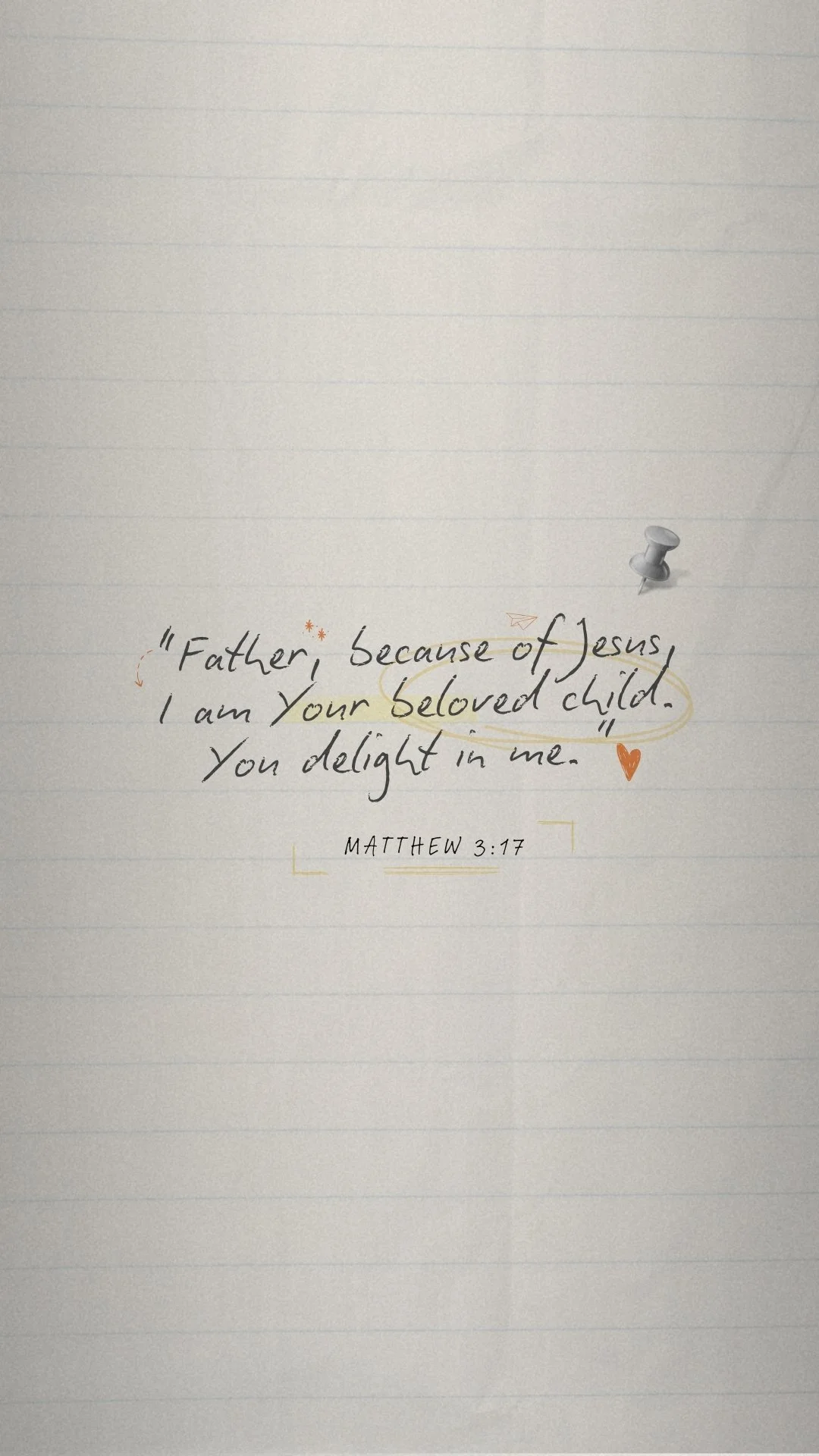
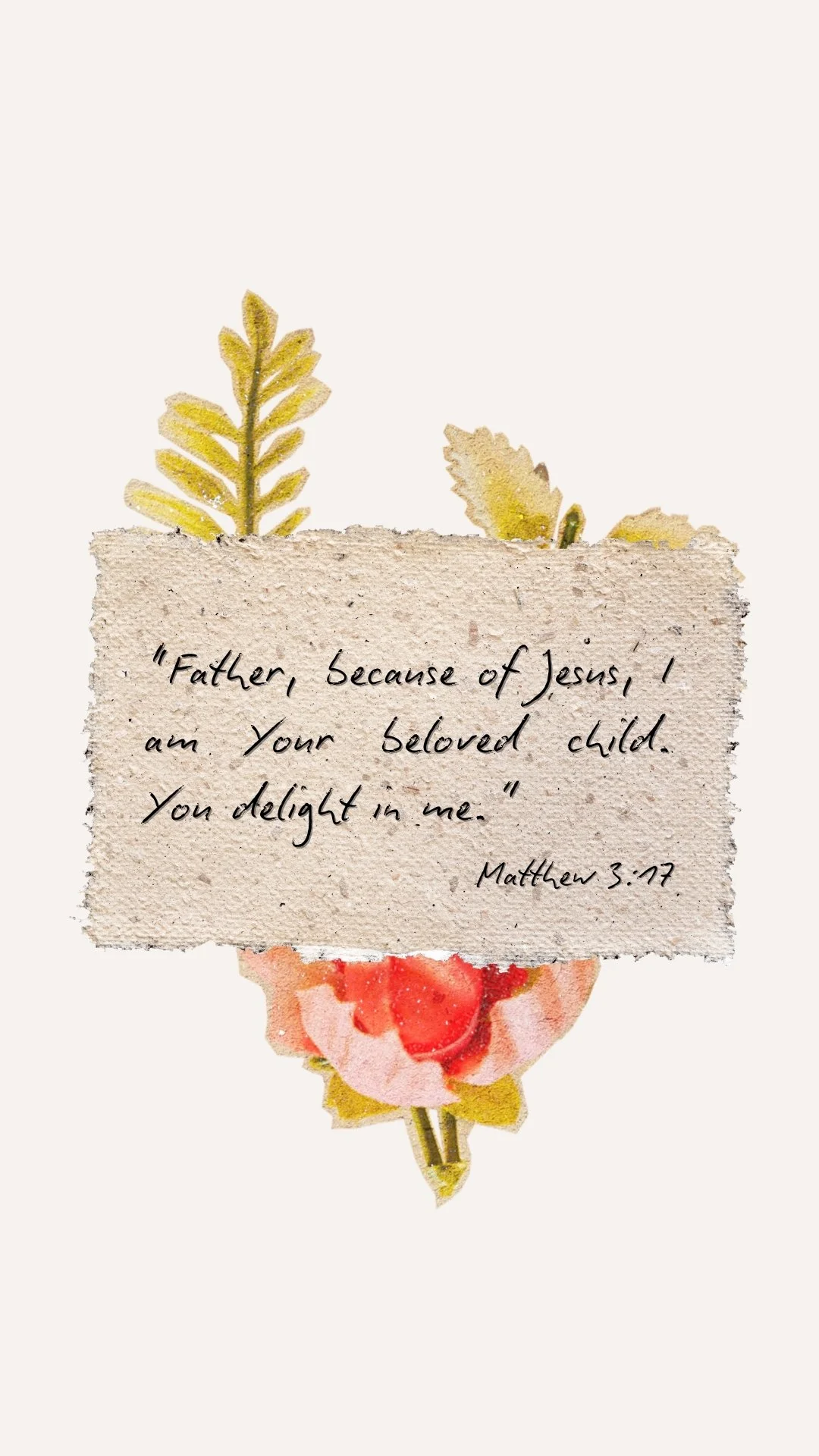

Here’s how to download and set them as your background.
Step 1: Download the Image to Your Phone
On iPhone:
Tap the wallpaper image on our website.
Tap “Save to Photos” icon
The image will now be in your Photos app.
On Android:
Tap the wallpaper image on our website.
Tap the three dots (⋮) in the corner of your browser.
Select “Download image.”
The image will save to your Gallery or Downloads folder.
Step 2: Set as Your Wallpaper
📱 iPhone (iOS 16+)
Go to Settings.
Tap Wallpaper.
Tap Add New Wallpaper.
Select the image from your Photos.
Adjust positioning and zoom if needed.
Tap Add → Choose Set as Wallpaper Pair (or customize Lock/Home separately).
📱 Android
Open your Gallery or Photos app.
Open the downloaded image.
Tap the three dots (⋮).
Select Set as wallpaper.
Choose Home screen, Lock screen, or both.
Adjust as needed and confirm.